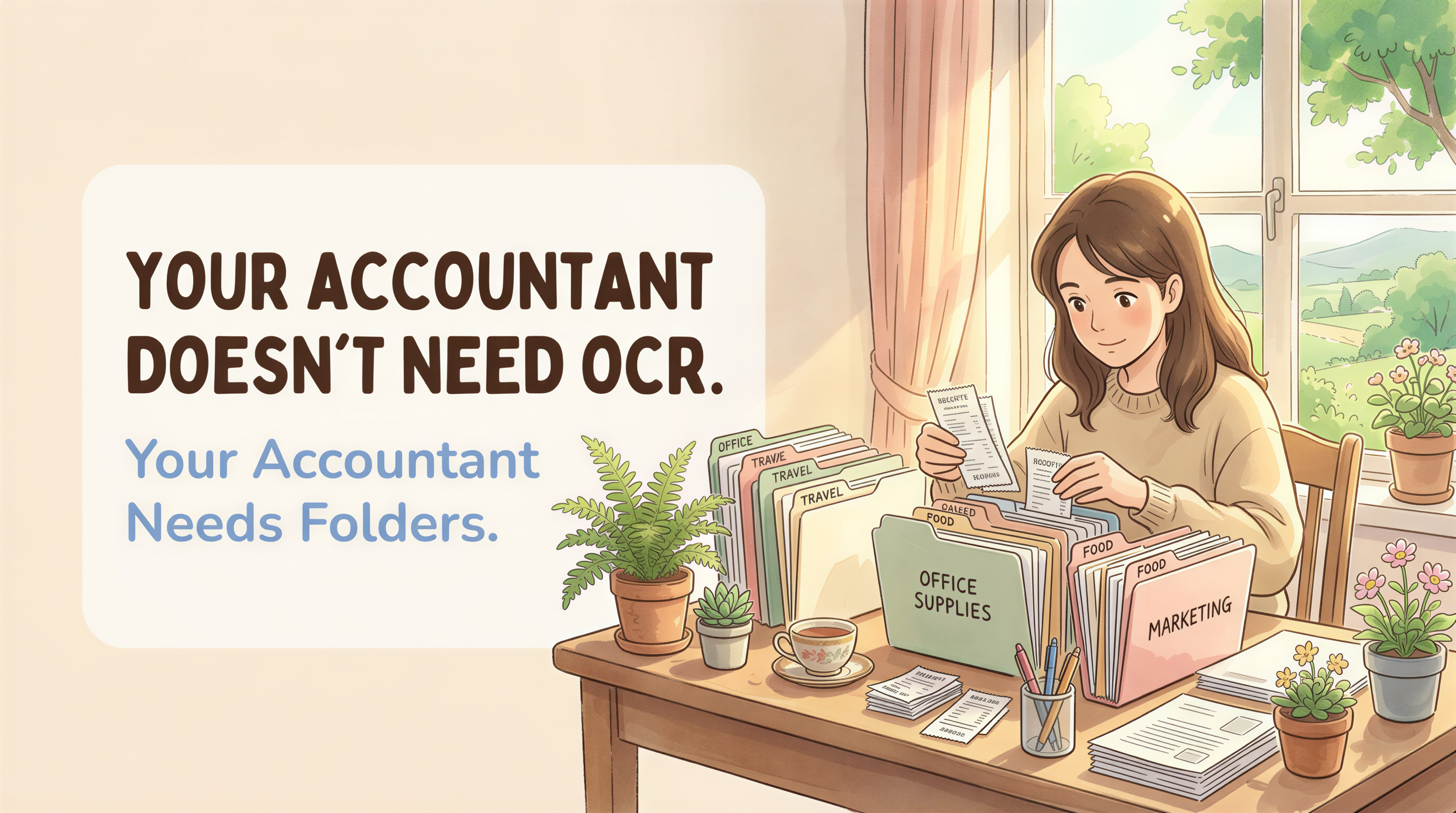
Your Accountant Doesn't Need OCR. Your Accountant Needs Folders.
Every receipt SaaS pitch ends the same way.
"Save your accountant time. Extract line items. Sync to QuickBooks. Categorize automatically with AI."
It sounds great. It's also wrong.
Talk to actual CPAs who serve solo founders and freelancers, and the universal feedback is: don't send me your AI-categorized exports. Send me the PDFs.
This post is about why that gap exists and what your CPA actually wants from you.
Table of Contents
- What receipt-app marketing promises
- What CPAs actually say
- Why OCR creates false data
- Why hand-categorization is worse than no categorization
- What "the PDFs in named folders" actually means
- How AutoFileEmail's folder structure mirrors audit format
- The "but my accountant uses QuickBooks" objection
- What this means for tool selection
- The bottom line
What receipt-app marketing promises
Open any Hubdoc or Dext or Receipt Bank or AutoEntry homepage. The pitch is consistent.
"Auto-extract data from invoices and receipts."
"Publish to QuickBooks, Xero, or Sage with one click."
"AI categorization saves hours of manual entry."
"Your accountant gets clean data, ready to file."
The implicit promise: by paying $25 to $35 a month, you save your accountant time, which saves you money, which makes the subscription pay for itself.
The math sounds tidy. The math is also based on an accounting workflow that doesn't apply to most one-person businesses.

What CPAs actually say
Here's the paraphrased common feedback when you ask CPAs who specialize in solo founders, freelancers, and small LLCs what they want from clients:
"Just give me the PDFs. I have the bank and credit card statements. I cross-reference. I don't trust the OCR."
"The categorizations are wrong half the time. A 'meals' charge is actually 'office supplies' from the same vendor. The AI doesn't know."
"I spend more time fixing the auto-categorized data than I would entering it from PDFs myself."
"For my one-person clients, I bill by the return, not by the hour. Extra data doesn't save them money. It just gives me more work to undo."
"My QuickBooks has 80% of the data already through the bank feed. The receipts are the substantiation, not the data source."
These aren't outliers. They're the modal CPA opinion for the solo-founder segment. Listen to a few episodes of any indie-founder accounting podcast and you'll hear the same thing in different words.

Why OCR creates false data
OCR isn't 100% accurate. Even the best models hit 95% to 98% on clean PDFs and drop to 80% on noisy receipts.
Sounds high. Now do the math. If you have 250 receipts in a year and OCR is 95% accurate per field, and there are 4 fields per receipt (vendor, date, amount, line item), the chance that all 250 receipts are perfectly extracted is roughly 0.95 to the power of 1000. Effectively zero.
In practice this means: out of your 250 receipts, maybe 30 to 50 have at least one wrong field. Wrong amount. Wrong date. Wrong vendor name (because the receipt header says "ACME LLC" but the invoice says "Acme Tools, Inc."). Wrong category, because the AI guessed.
Your CPA doesn't see "this field is 95% confident." They see a CSV. They have to either trust it or audit it. If they audit it, you've paid $25 a month for a CSV that the CPA verifies against the original PDF anyway. If they trust it, you've paid $25 a month to systematically introduce errors into your tax return.
This is the dirty secret of the OCR-receipt category. The technology is impressive. The technology is also not the bottleneck.

Why hand-categorization is worse than no categorization
The other option receipt apps offer: you categorize. Drag-and-drop the receipts into "meals", "supplies", "software", "travel". The app exports a tidy spreadsheet.
This is worse than OCR.
You are not a tax accountant. You don't know that the Notion subscription is "software" if it's used for client work, but "dues and subscriptions" if it's general operations. You don't know that a meal with a contractor is "meals" at 50% deductible (post-TCJA) but a meal you ate alone on a business trip is something else entirely. You don't know that your AWS bill is "cost of goods sold" if you're a SaaS, but "operating expenses" if you're a consultant.
Your CPA knows this. They went to school for it. They keep up with the IRS code revisions. They will recategorize 40% of what you guessed because the rules are not intuitive.
So when you hand them a pre-categorized spreadsheet, you've created a document they have to undo. Which is why the interview feedback above lands on "just give me the PDFs."

What "the PDFs in named folders" actually means
The CPA workflow looks like this:
- Pull bank and credit card statements. These are the ground truth for what was spent.
- For each transaction, find the matching receipt PDF.
- Categorize each transaction per the current tax code.
- Reconcile. Question anything that looks weird.
- File.
Step 2 is the bottleneck. Step 2 is where you can help. Everything else is the CPA's job.
To make step 2 fast, the CPA needs receipts that are:
- Findable. Sorted by vendor, then by date. Not categorized. Not in one big folder.
- Complete. Every charge on the statement has a matching PDF.
- Native. The original PDF the vendor sent, not a re-rendered OCR-flattened version.
Three requirements. Notice what's missing: AI, categories, line items, sync.

How AutoFileEmail's folder structure mirrors audit format
Here's a thing CPAs don't tell you upfront: the IRS and most state tax authorities, when they request documentation in an audit, ask for it by vendor and by year.
"Please provide all 2024 invoices from Amazon Web Services."
"Please provide receipts for travel meals over $75 for tax year 2025."
The standard audit document request format is vendor-sorted, year-sorted. Not category-sorted. Not OCR-extracted.
AutoFileEmail's folder structure:
This is exactly the format the IRS expects. It's also exactly the format your CPA wants. By coincidence (or rather, by not over-engineering), the simplest possible filing system happens to be the format both audiences need.
When the audit request comes in, you click into amazon.com/2024/, zip it, send. Done in two minutes. The CPA does the same when they're prepping your return.
Compare this to the Hubdoc workflow. Receipts are stored in Hubdoc's app. Categorized into Hubdoc's category schema. Tagged with Hubdoc's tags. Synced to QuickBooks via Hubdoc's mapping. To respond to an audit request, you need to either export from Hubdoc or pull from QuickBooks. Either way, you're now dependent on the apps continuing to exist and continuing to support your data format. Hubdoc has shut down major features in the past; the lock-in is real.
A folder of PDFs in your own Drive is durable. Apps come and go.
The "but my accountant uses QuickBooks" objection
Some CPAs do use QuickBooks Online and want bank-feed reconciliation with attached receipts.
Two things on this. First, attaching a receipt PDF to a QuickBooks transaction works fine if the PDF exists in Drive - your CPA pulls it themselves. They don't need an OCR app to do it. Second, the bank feed already has the transaction data (date, vendor, amount). The receipt is the substantiation document, not the data source. OCR re-extracting data that's already in the bank feed is duplicate work.
If your CPA truly wants OCR for their workflow - say they're managing 50 clients and need automation - then the CPA should pay for the OCR tool, not you. That's a pattern Dext and Hubdoc support directly with their accountant-firm pricing tiers. The firm pays. The clients hand over PDFs. Everyone wins.
What this means for tool selection
If you're a solo founder or freelancer hiring a CPA once a year, your job is:
- Get every receipt PDF into a folder structure organized by vendor and year.
- Hand the folder over in March.
You don't need OCR. You don't need categorization. You don't need sync.
What you need is: when an email with a PDF attachment arrives, file it into the right folder automatically. That's it. That's the entire job.
Which is what AutoFileEmail does. No OCR. No AI. No category guessing. No sync. Just folders.
Free for one inbox. The premium tier is for backfilling years of historical email, not for adding more features. We don't sell you AI. We sell you organization.
The bottom line
Your CPA wants the raw PDFs. Not the OCR. Not the categorized export. The PDFs.
Receipt apps sold the dream of "save your accountant time" by extracting data. The actual time savings come from organization, not extraction. Folders by vendor and year solve 90% of the problem. The remaining 10% is your CPA's job, and they're better at it than any AI.
Connect Gmail and Drive in two minutes. Hand your CPA a folder in March. Done.
Your accountant doesn't need OCR. Your accountant needs folders.
The last time you'll dread tax season.
Connect Gmail and Drive, watch the 30-day preview file itself, and never think about new email attachments again. Forward filing is free, forever. When tax season comes, grab a Backfill Pack and we'll sweep the rest of your history.